A tour of coppice
Sidenotes, contents, code, tables, mathematics, pictures and a gallery: everything a coppice post can hold, each shown at work.
This post is a sampler. Each section below shows one thing a coppice site can do, working, rather than describing it; Writing with coppice has the syntax behind each. Because the post has several sections, it has a contents list, unless contents is turned off in config.toml: on a wide screen it is the sidebar on the left, marking the section you are reading, and on a narrow one it is the list above.
Notes in the margin
Long asides interrupt an argument, and footnotes make readers jump to the bottom of the page and back. Sidenotes sit beside the line they belong to instead.This is a sidenote. On a wide screen it sits in the right margin, level with its number; on a narrow one, tap the number to open it under the line. They are numbered in order through the post.The second one. Notes can hold markdown, and links too. A margin note is the same without a number, for a remark rather than a reference.A margin note: on a narrow screen it opens from the ⊕.
In the feed, which has no margins, each note follows its line in parentheses, so nothing is lost there either.
Type
Text is set in one column, with italics, bold, struck-out words, inline code and links. Headings come in three levels below the title.
A third-level heading
And a fourth
A quotation stands apart, in italics, with a rule down its left side, and its source underneath.
Tip
A callout sets a note, a tip or a warning apart from the text. It's a quotation that starts with [!TIP], as on GitHub.
Lists come numbered, bulleted or ticked:
- Write in markdown.
- Run
go run .. - Upload
public/.
- sidenotes
- galleries
- a newsletter
Tables
Tables take the column's width, with figures lined up. These are the thirteen animations the home page can show, set by animation in config.toml:
| animation | what it draws |
|---|---|
shapes |
ASCII solids that melt into each other: a donut, a cube, a Menger sponge |
curve |
Lissajous figures and rose curves, one line throughout |
cycloid |
a circle rolling round another: cardioid, nephroid, astroid |
cycloid-horizontal |
a circle rolling along a line: normal, curtate and prolate cycloids |
medley |
curve, cycloid and cycloid-horizontal as one |
mandelbrot |
one line closing in on the Mandelbrot set's boundary |
ford |
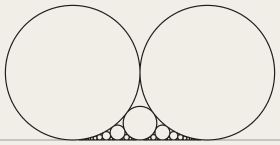
Ford circles over the fractions from 0 to 1 |
golden |
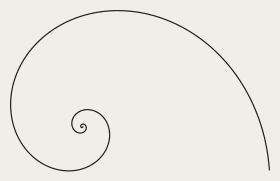
a line that curls into the golden spiral and back |
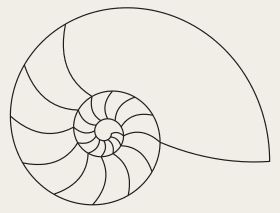
nautilus |
a nautilus shell in section, its chambers growing in |
sine |
a pen bobbing up and down, its height drawn out as a sine wave |
penrose |
the impossible triangle, turning for ever |
chords |
chords round a circle, their envelope a cardioid, then a nephroid |
newton |
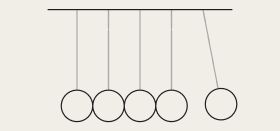
Newton's cradle |
On a narrow screen a table too wide for it scrolls sideways.
Code
Code is highlighted when the site is built, so readers download no highlighter, and each block has a button to copy it. The ratio of neighbouring Fibonacci numbers closes in on the golden ratio, the one the golden animation curls into:
package main

import (
	"fmt"
	"math"
)

func main() {
	a, b := 1.0, 1.0
	for range 20 {
		a, b = b, a+b
	}
	fmt.Printf("F(22)/F(21) = %.10f\n", b/a)
	fmt.Printf("φ           = %.10f\n", (1+math.Sqrt(5))/2)
}
It prints 1.6180339850 and 1.6180339887: twenty steps get eight decimal places right. The ford animation draws one circle for every fraction between 0 and 1 whose denominator is at most 20:
from math import gcd

fractions = [(p, q) for q in range(1, 21) for p in range(q + 1) if gcd(p, q) == 1]
print(len(fractions), "circles")
print("smallest radius:", 1 / (2 * 20**2))
It finds 129 circles, the smallest of radius 0.00125, when the two largest have radius ½.
Mathematics
Equations are MathML, drawn by the browser itself, with no script and no pictures of formulae. The circle over the fraction p/q has radius 1/(2q2), and two of them touch exactly when the fractions are neighbours:
for circles over p/q and r/s. And the sum Euler found in 1734:
Pictures
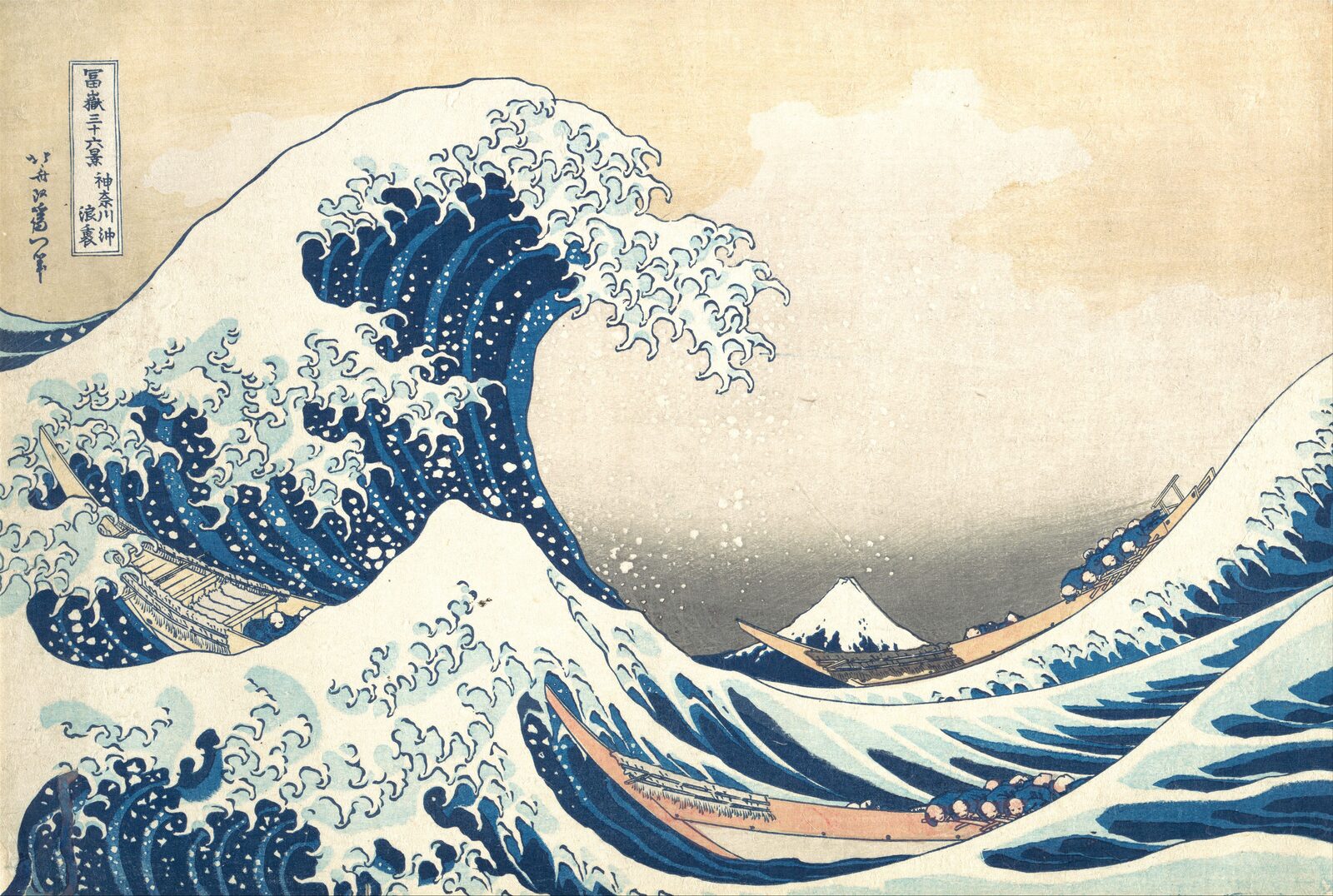
A picture can carry a caption, set in a smaller, quieter type:
A gallery
A gallery works in a post as it does on a page: tiles in a grid, each opening larger over the page, with the arrow keys and Esc to move through them. These are six of the home page's animations, recorded as GIFs, in a gallery of columns, which shows each picture whole:

The gallery page has a hundred and eighteen paintings and prints, from van Eyck to Malevich.
Colours and type
Everything here follows config.toml. Ten colour themes, each with a light and a dark side that follow the reader's system: paper, Catppuccin, Gruvbox, Solarized, Nord, Rosé Pine, Tokyo Night, Everforest, Dracula and clrs. Ten styles for code, paired the same way. Any two fonts from Google Fonts, which the build downloads so that readers never contact Google; by default Atkinson Hyperlegible, drawn for readers with low vision. The site's own words in lowercase, as typed, in capitals or in small capitals. And a size for every kind of text, from this paragraph to the captions.
Text and images: cc by-sa 4.0